How I structure LangGraph agents for production
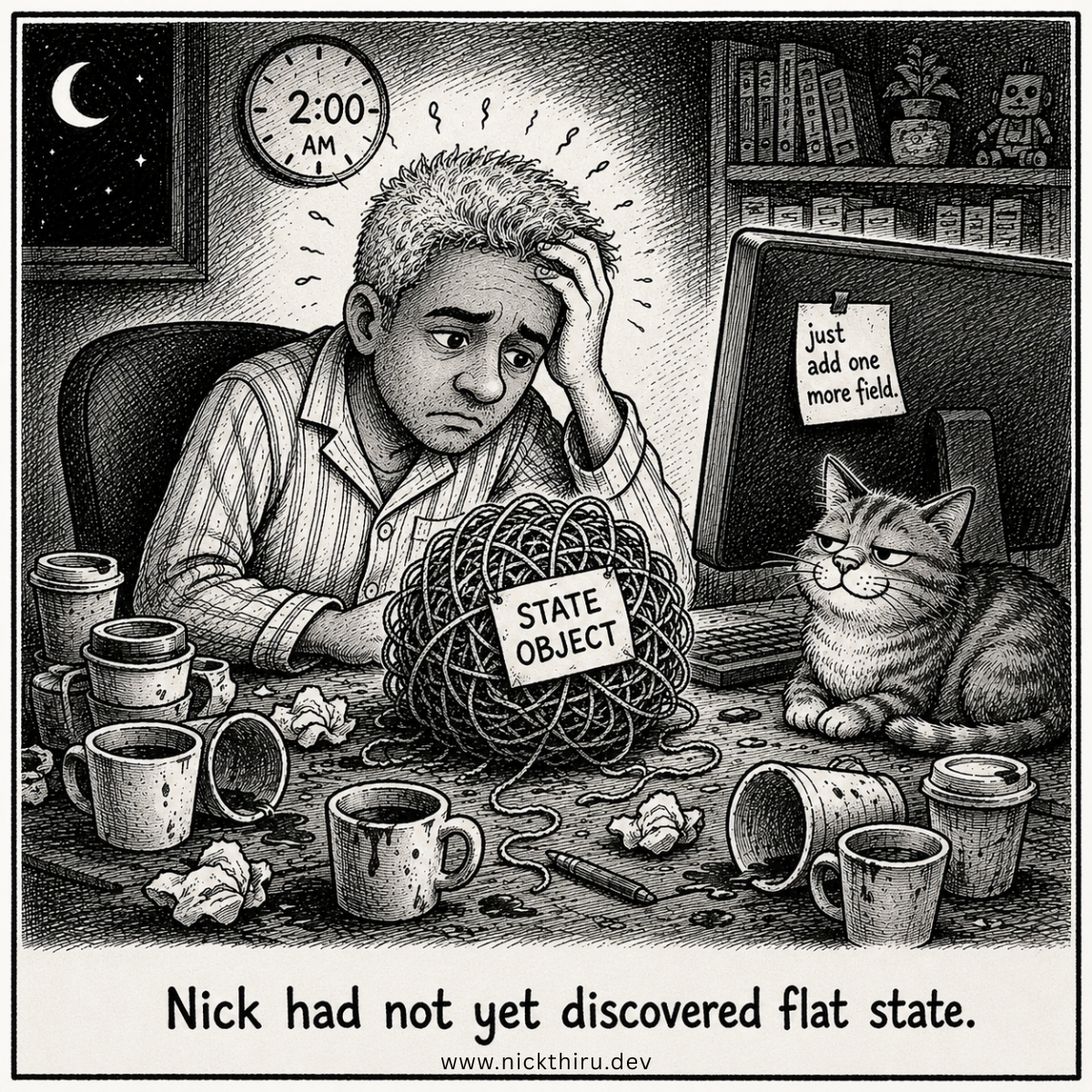
The first time I shipped a LangGraph agent “to production,” I thought I was done.
Then the incident happened.
Not a catastrophic one. Just enough weird behavior to make me realize something uncomfortable: a demo agent can be impressive, but a production agent has to be boringly dependable.
This post is the structure I’ve landed on after building a few of these. It’s not perfect, but it keeps me sane.
The Problem
LangGraph makes it easy to create a graph. The trap is thinking “I have a graph” means “I have a system.”
In production, your pain points show up fast:
- You need to understand why the agent chose a path
- You need to replay failures with enough context
- You need to ship changes safely without breaking everything
What I Tried First (and Why It Didn’t Hold Up)
My first versions were basically:
- A couple of nodes
- A state object that grew organically
- Logging sprinkled where I remembered
The organic state was the first problem. It started clean: just the fields I needed. Then I added one field for a new feature, another for a debug flag I meant to remove, another because a downstream node needed something I hadn’t
planned for. Six weeks in, the state object was an archaeological record of every decision I’d made since the start, and I couldn’t easily tell you what each field was for.
The sprinkled logging was the second problem. It told me that things happened. It couldn’t tell me why the agent made the call it made at the moment it mattered.
The Four-Node Pattern
The structure I’ve settled on organises the agent graph into four clear responsibilities:
Understand: parse and validate the input. What is the user actually asking for? What context is available? What is missing? This node’s job is to produce a clean, structured representation of the request that every subsequent node can work with.
Plan: decide what needs to happen. Which tools are relevant? What order? What does success look like for this request? This is the reasoning step. It should be isolated from both input parsing and tool execution.
Execute: run the tools. One at a time, with explicit error handling per tool call. This node should be as mechanical as possible. It follows the plan, it does not make new decisions.
Validate: check the output. Does it meet the quality bar? Is the response complete? Should it loop back to Execute with different inputs, or is it ready to return?
The diagnostic value of this structure is significant. When something goes wrong, the question shifts from “why is the agent doing this?” to “why is validateOutput returning this result?”, which is a solvable question, not an open-ended one.
// The four nodes as TypeScript functions
const agentGraph = new StateGraph<AgentState>({
  channels: agentStateChannels,
})
  .addNode("understand", understandInput)
  .addNode("plan", planExecution)
  .addNode("execute", executeTools)
  .addNode("validate", validateOutput)
  .addEdge(START, "understand")
  .addEdge("understand", "plan")
  .addEdge("plan", "execute")
  .addConditionalEdges("validate", shouldContinue, {
    continue: "execute",
    end: END,
  });
Each node has a single, clear responsibility. If a node is doing two things, it should be two nodes.
State Management: Flat and Explicit
Every field in the state object is declared upfront, with a clear type and a clear purpose. No dynamic fields added at runtime. No fields that exist only for debugging. If a field is in the state, it has a job.
interface AgentState {
  // Input
  userRequest: string;
  requestId: string;

  // Planning
  selectedTools: string[];
  executionPlan: ExecutionStep[];

  // Execution
  toolResults: ToolResult[];
  retryCount: number;

  // Output
  finalResponse: string | null;
  qualityScore: number | null;

  // Context
  messages: Array<{ role: string; content: string }>;
  traceId: string;
}
The messages array is worth a specific note. In a real-world agent (one that assembles context from user conversations, retrieved documents, or third-party data) this array will contain personal data. The same applies to userRequest and potentially toolResults.
This has a direct implication for observability: any state-level logging at decision points must operate on a sanitized version of the state, not the raw object. Which fields are loggable in full and which require stripping or pseudonymizing before they reach your log store? That decision gets made when you define the state schema, not later when you’re adding logging.
The discipline is: for each field in your state, note at definition time whether it may contain personal data and what the logging rule for it is. If you defer this to the logging layer, you will miss it under pressure.
One more distinction that matters once the system is in production: not all state is equivalent from a data management perspective. Transient state: context that lives only for the duration of a single execution. Low risk. When the execution ends, it ends. Persistent state: anything written to a database between sessions, retained to inform future interactions. This is a different category entirely. It needs a defined retention period, a deletion schedule, and clarity on what it contains. Design for this distinction from the start. Retrofitting it after real user data has accumulated in your database is significantly harder.
Error Handling: Fatal vs. Recoverable
Not all errors are the same. The classification I find most useful in practice:
Recoverable errors: tool call failures, transient API errors, timeout on a single attempt. These are candidates for retry with exponential backoff up to a defined limit. The agent can try again.
Fatal errors: the request itself is malformed, a required dependency is unavailable, the output quality gate has failed after the maximum number of retries. These should surface cleanly to the user with a meaningful message, not disappear into a retry loop that eventually times out silently.
async function executeWithRetry(
  toolName: string,
  input: ToolInput,
  maxRetries: number = 3,
): Promise<ToolResult> {
  for (let attempt = 0; attempt < maxRetries; attempt++) {
    try {
      return await executeTool(toolName, input);
    } catch (error) {
      if (isFatalError(error)) throw error; // no retry
      if (attempt === maxRetries - 1) throw error; // retries exhausted
      await exponentialBackoff(attempt);
    }
  }
  throw new Error("Unreachable");
}
The isFatalError function is where you encode the classification logic. In production you will want this to be explicit, a list of error types and conditions that are never worth retrying, rather than inferred at runtime.
Observability from Day One
The most useful change I made to my agents was treating observability as a design constraint rather than a thing to add later.
The core pattern: wrap every node in a tracing function that captures execution timing, token counts, and the trace ID that links all events in a single agent run together.
export async function tracedNode<TState extends AgentState>(
  nodeName: string,
  state: TState,
  execute: (state: TState) => Promise<Partial<TState>>,
  logger: Logger,
): Promise<Partial<TState>> {
  const start = performance.now();

  logger.info({
    event: "node_start",
    traceId: state.traceId,
    node: nodeName,
  });

  try {
    const result = await execute(state);
    logger.info({
      event: "node_complete",
      traceId: state.traceId,
      node: nodeName,
      durationMs: performance.now() - start,
      // Note: token count operates on sanitized state. See below.
      inputTokens: countTokens(sanitizeForLog(state)),
    });
    return result;
  } catch (error) {
    logger.error({
      event: "node_error",
      traceId: state.traceId,
      node: nodeName,
      error: error instanceof Error ? error.message : String(error),
      durationMs: performance.now() - start,
    });
    throw error;
  }
}
Two things worth noting about this implementation:
The countTokens call and personal data. The prior version of this code called countTokens(state) on the raw state object. If your state contains personal data (user messages, retrieved documents, content from tool calls that includes third-party information) the raw state is a personal data payload. Token counting and any state-level logging should operate on sanitizeForLog(state), a function that strips or pseudonymizes personal data fields before they reach any downstream operation that could persist them. The sanitize function should be defined alongside your state schema definition, not as an afterthought in the
logging layer.
The traceId field. Every log event in this pattern carries the same trace ID. When something goes wrong, you pull the trace ID from the user’s complaint, filter your logs to that ID, and get the complete execution timeline — every node, every decision, every tool call, in order. Without this, you are correlating log events manually by timestamp, which is painful and unreliable.
For a deeper treatment of the observability patterns, including the two-case rule for prompt logging and the trace-log-vs-audit-record distinction, see: What debugging AI agents taught me about observability.
What I’m Still Figuring Out
A few things I don’t have clean answers to yet:
- Memory management across sessions. The four-node pattern handles single-session state well. Managing persistent context across multiple sessions, what to retain, how long to keep it, how to surface it to the agent without overwhelming the context window, is a harder design problem.
- Cost management at the node level. I track total token usage per request, but I don’t yet have good tooling for attributing cost to specific nodes within a request. The Plan node and the Validate node have very different cost profiles and I’d like to optimize them separately.
- Testing strategy for non-deterministic workflows. Unit testing individual nodes is straightforward. Integration testing the full graph, where the same input may produce different outputs on different runs, requires a different approach that I’m still developing.
Your Turn
If you’re running LangGraph agents in production: what’s the part of the structure that felt most important to get right early? State design, node boundaries, error handling, observability. I’m curious what created the most pain before you locked it in.
Have thoughts on this? I'd love to hear them. The conversation is happening on: